Kitap hakkında
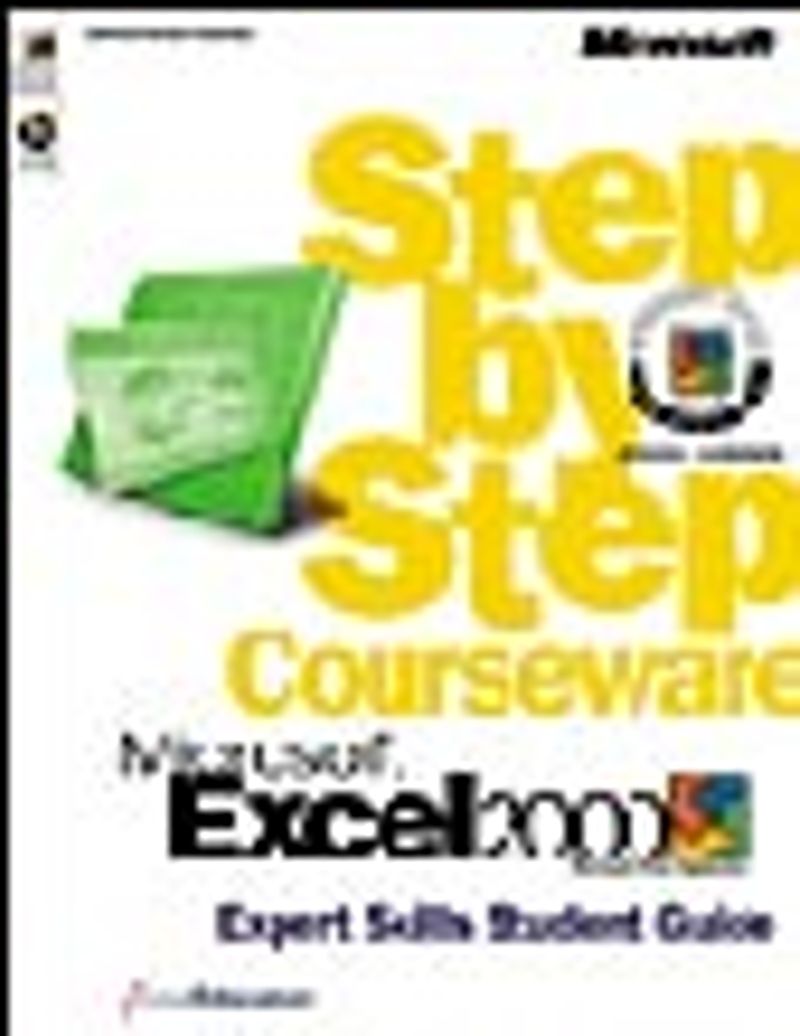
The in-depth software training course that’s designed to help you get the most out of Microsoft Excel 2000. This STUDENT GUIDE (also available in a full color version) is a key part of the Microsoft® STEP BY STEP COURSEWARE series, which provides everything you need to get up and running quickly with Microsoft software products. This guide will help you master advanced techniques with Microsoft Excel 2000. • Tips provide helpful hints and alternative ways to complete tasks, while important notes state warnings and cautions. • Numbered steps provide detailed instructions to help you learn new skills. • Margin notes give you additional information about the lesson. • The MOUS logo indicates a task that will be tested on the Microsoft Office User Specialist (MOUS) certification exam. • Putting It All Together exercises challenge you to apply what you’ve learned in new ways. • Quick Quizzes test what you’ve learned in each lesson. • The Lesson Glossary defines key terms shown in boldface throughout the lesson. Using this STUDENT GUIDE, you’ll learn how to: • Meet the Microsoft Excel MOUS expert-level objectives • Use workbooks; work with data, named ranges, and Excel lists; and display and format data • Protect and audit workbooks using Excel’s powerful built-in analytical tools • Share workbooks, use workbook templates and macros, and customize the Excel workspace To purchase this title, please contact your Microsoft reseller or your Microsoft Press Account Manager.