Kitap hakkında
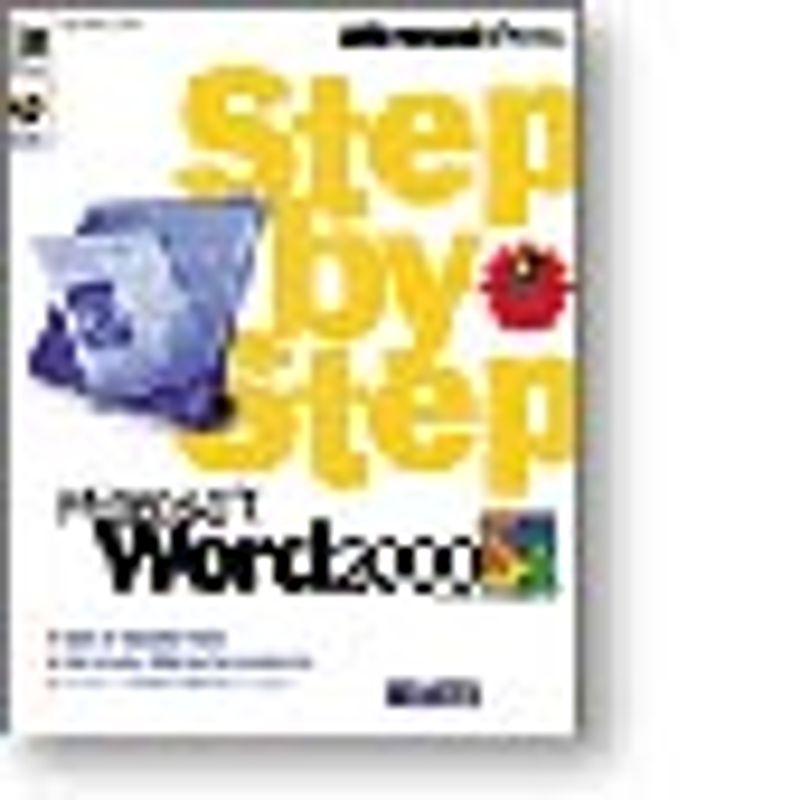
Learn to use Microsoft Word 2000 the easiest and fastest way! MICROSOFT WORD 2000 STEP BY STEP is the easiest and fastest way to teach yourself to use the latest version of Microsoft’s bestselling word processor. Work through every lesson to complete the full course, or do individual lessons to learn just the skills you need. Either way, you learn at your optimum pace from the teacher who knows you best—you. With this book and Microsoft Word 2000, you’ll learn to: • Get started with Word 2000—navigate the Word menu and use toolbar buttons to simplify your work; cut, copy, paste, and format your text; change fonts, font sizes, and font effects, and add borders, bullets, and shading—all with a few clicks of the toolbar buttons! • Increase editing skills—enhance the organization and design of your documents; automate tasks using advanced features; use themes and create styles to change the look of all or part of your documents; use templates and electronic forms to streamline and standardize your work. • Develop advanced editing techniques—track document changes; add and edit comments; save and compare versions; apply password protection to documents; use the Outline view and master documents to organize your own documents; create form letters and envelopes with the mail merge tool; lay out a complex newsletter. • Use Web tools—design and publish simple and advanced Web pages; save and edit documents in HTML format; import data to a Web page.